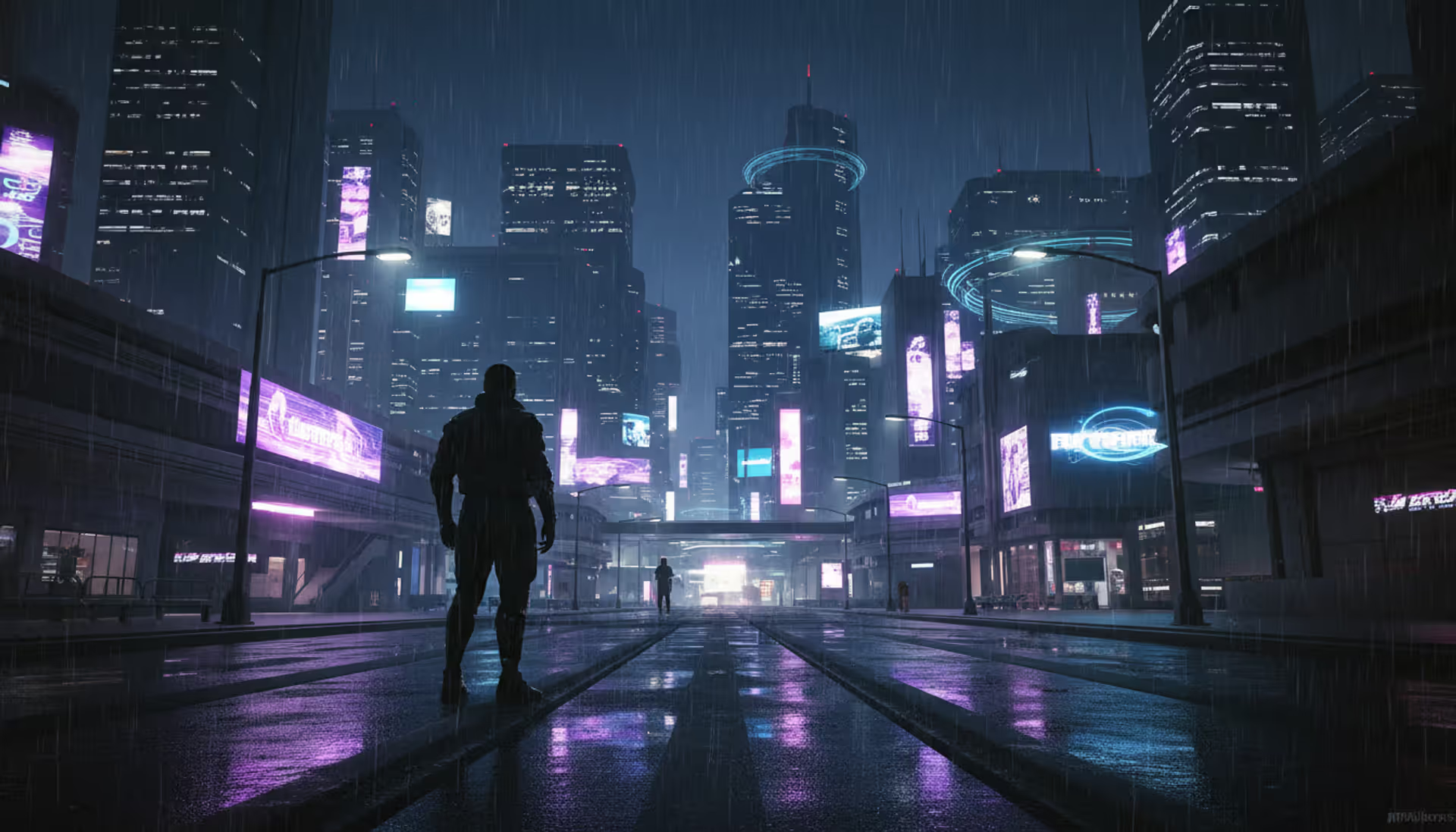
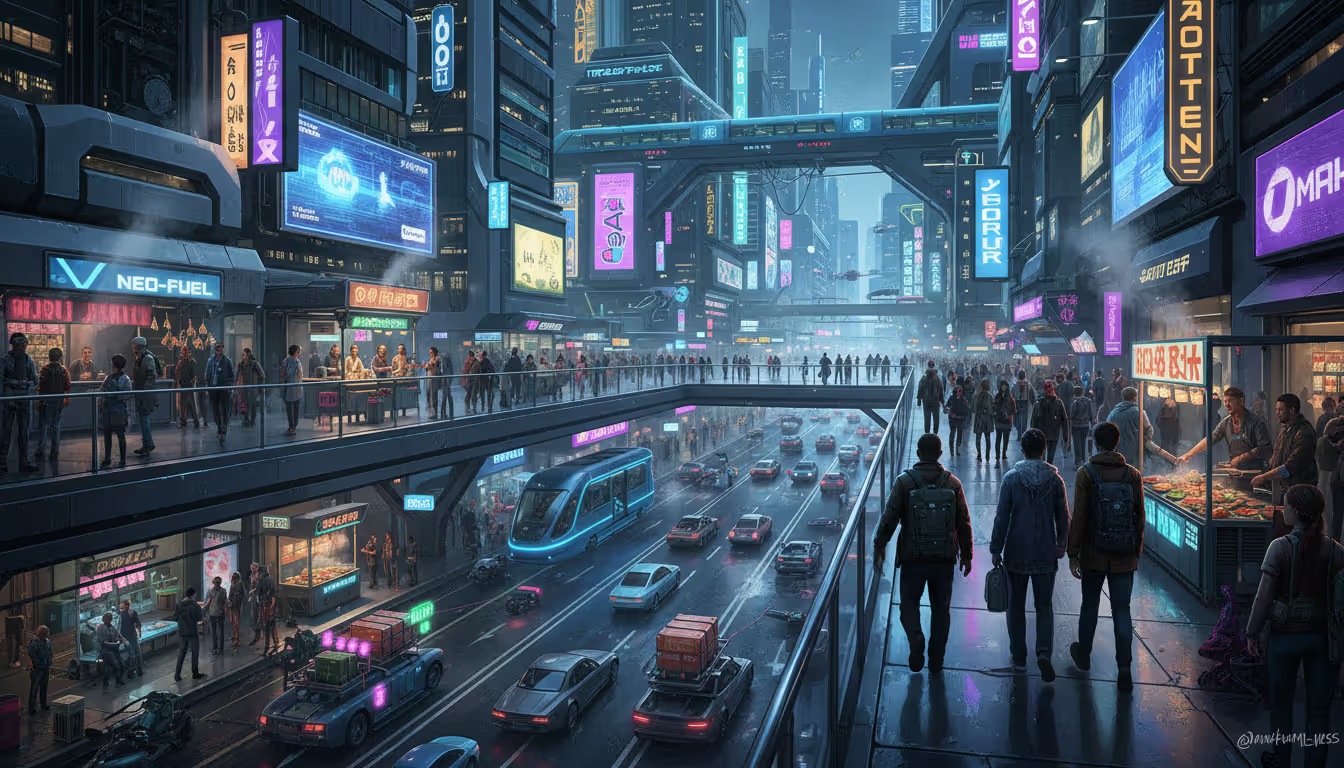
Night city skyline with neon lights reflecting on wet streets, cyberpunk character silhouette with cybernetic implants looking at futuristic skyscrapers in the rain
Here's what actually happens when you install a Cyberpunk 2077 mod: it either swaps out existing game files, hooks into the executable to run custom code, or tweaks configuration values buried in text files. Think of it like customizing a car—some changes are cosmetic paint jobs, others rebuild the engine entirely.
The cyberpunk best mods explained concept really boils down to three main approaches. Texture and model replacements literally swap art assets—that neon sign now uses a 4K texture instead of the blurry original. Script injection mods use frameworks like Cyber Engine Tweaks to run Lua code while the game's running, adding features the developers never programmed. Then you've got simple config tweaks that just tell the game "hey, use this value instead of that one."
You'll need Cyber Engine Tweaks (CET) for probably 60% of interesting mods. It's essentially a modding API that opens up console commands and lets modders write Lua scripts. RED4ext goes deeper—native code plugins that can modify things Lua can't touch. Redscript sits somewhere in the middle, changing game scripts without completely replacing CD Projekt Red's original files. Why does this matter? Because file replacement mods break every time the game updates, while Redscript modifications often survive patches.
Archive mods—those are your texture packs, new clothing meshes, additional sound effects. Basically anything that adds or replaces assets gets packed into .archive files.
Now, conflicts. If Mod A changes line 47 of vehicle_physics.script and Mod B also changes line 47, something's gonna break. Load order determines which change wins. Sometimes the result is hilarious (cars flying into space). Usually it's just crashes.
Performance? Completely depends on what the mod does. Replacing every texture with 8K versions? Say goodbye to 20-30 FPS on anything short of a 4090. Adding a button to your UI? Literally zero performance cost. Some clever mods actually boost performance by fixing CDPR's inefficient crowd spawning or memory management.
The real game-changer isn't fixing bugs, though. It's tailoring Night City to your specific taste. Maybe you want it darker, meaner, more dangerous. Or maybe you want flying cars and laser swords (yeah, those mods exist). The base game gives you one vision of 2077; mods give you a thousand.
One thing nobody tells beginners: dependencies will destroy you. A mod says it needs "CET 1.27 or higher" and you've got 1.24? It'll fail silently. No error message. Just... nothing happens. Always check requirements before downloading anything.
Graphics and Visual Enhancement Mods
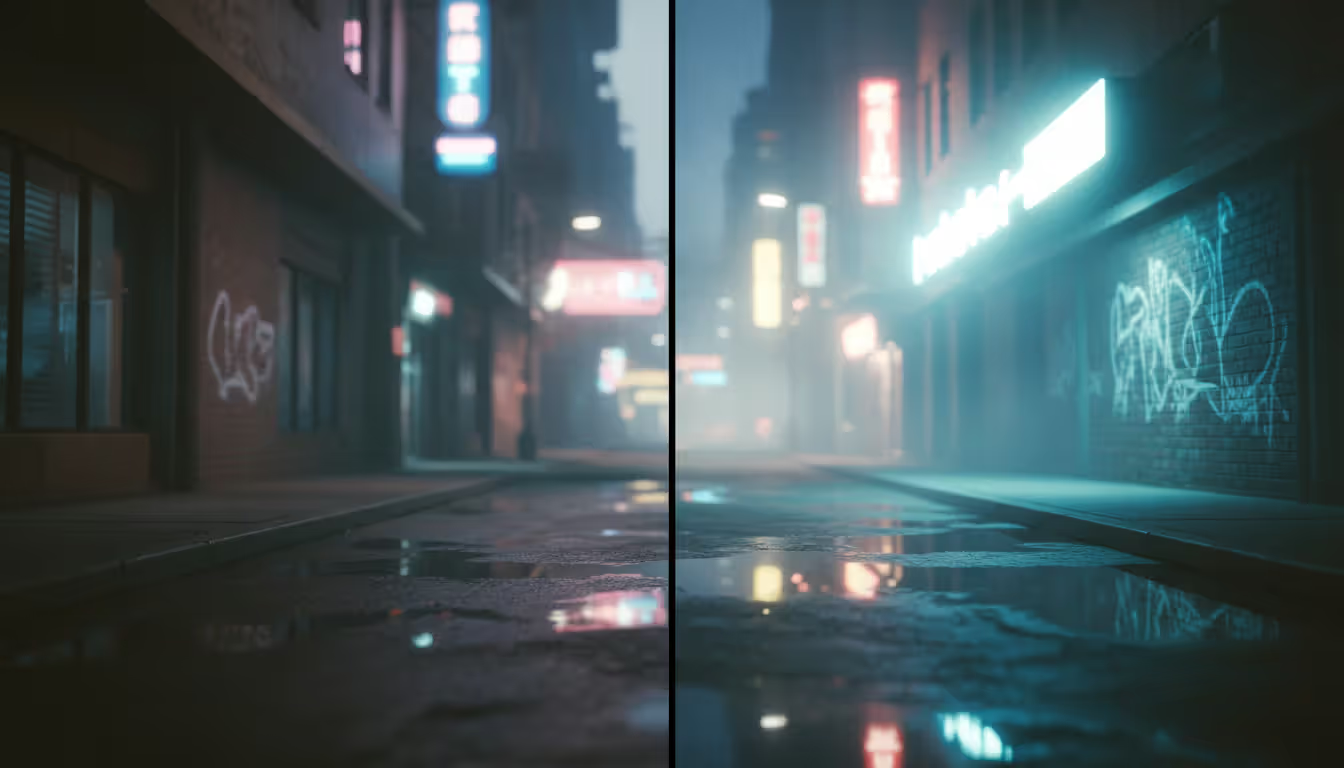
The best cyberpunk graphics mods in 2026 make the game look genuinely next-gen—we're talking path-traced lighting that actually looks clean, not grainy like the launch version. "Nova LUT" basically rewrites how ray reconstruction works, eliminating that noisy sparkle effect that plagued reflections. Suddenly puddles look like actual mirrors instead of TV static.
"HD Reworked Project" is a monster undertaking—some modder went through and replaced 4,000+ textures by hand. Not AI upscaling garbage, actual artistic rework. Street food carts now have readable menu text. Graffiti tags look spray-painted, not blurry smudges. The difference is subtle until you see before/after screenshots, then you can't unsee how muddy vanilla textures were.
For lighting, check out "Night City Relit." It adjusts color temperature across different districts—Japantown gets warmer tones, Pacifica feels colder and more desolate. Neon signs finally have that authentic glow with proper light bleed. Shadows in Watson's alleys look genuinely threatening instead of washed-out gray. The mod cuts through that over-bright look certain areas had, where everything felt too evenly lit.
Author: Ethan Rowland;
Source: canelomobile.com
ReShade presets are where you get cinematic. "Cyberpunk 2077 Photorealistic" adds film grain, lens distortion, chromatic aberration—basically makes it look like you're watching through an actual camera instead of a perfect digital viewport. Blade Runner vibes, essentially. You'll lose 5-8 FPS, but if you're already pushing 80+ frames, who cares?
Then there's the opposite approach: performance optimization. "Optimized Crowd Density" reduces polygon counts on background NPCs you'd never look at anyway. That random NPC 50 meters away? Doesn't need 20,000 polygons when 5,000 looks identical at that distance. Frees up 10-15% GPU headroom. "LOD Distance Tweaker" lets you decide exactly when distant objects switch to lower detail. Balance visual quality against framerate yourself instead of accepting CDPR's defaults.
Weather mods like "Real Weather System" replace flat particle effects with proper volumetric fog and rain. Rain streaks on surfaces now, doesn't just float in front of the camera. Acid rain events in industrial zones add a greenish atmospheric tint and actually damage vehicles over time if you leave them exposed.
Fair warning: stacking five lighting mods creates a mess. They'll fight each other, produce worse results than using just one good preset. Install "Night City Relit," test it thoroughly for a few hours, then maybe add complementary weather or texture mods. Don't go crazy.
Gameplay Overhaul and Combat Mods
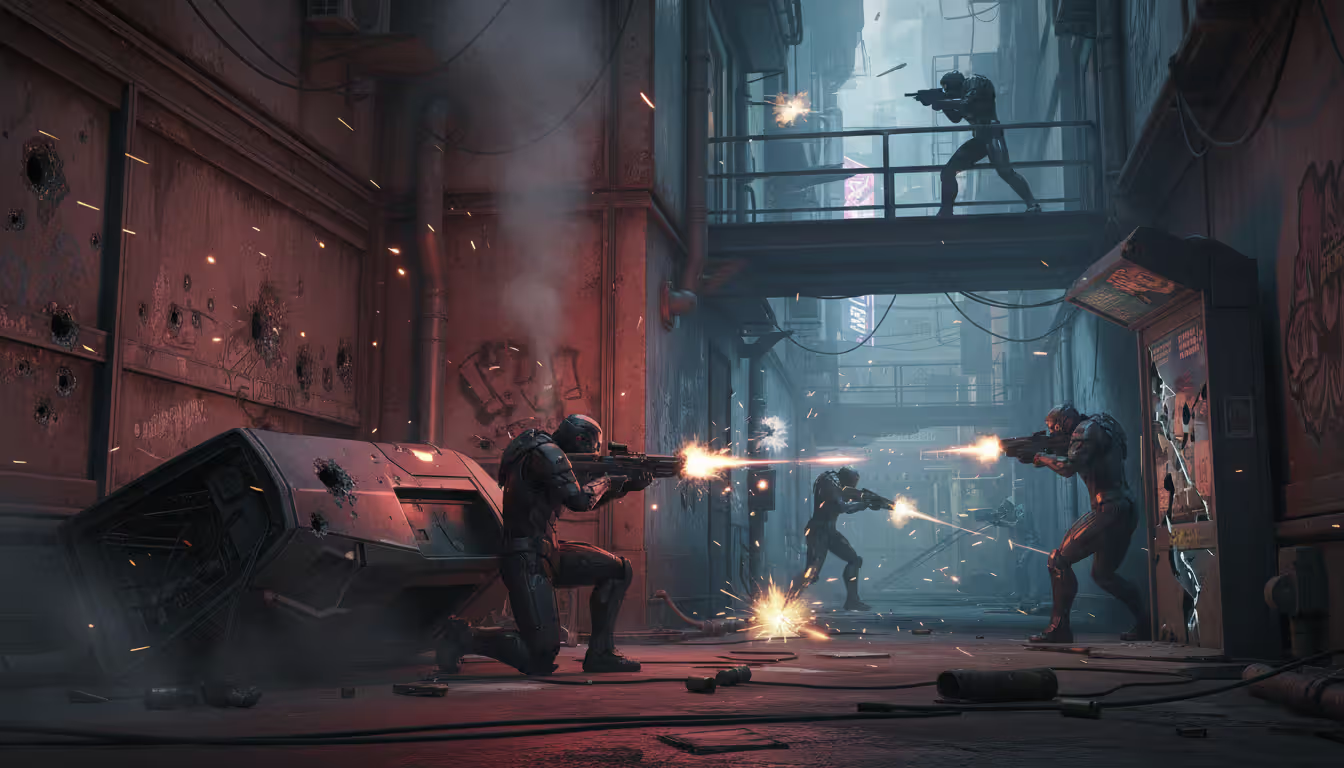
Cyberpunk gameplay overhaul mods completely change how you interact with systems, not just tweak numbers. Take "Vehicle Combat Expanded"—suddenly car chases become actual dynamic encounters instead of scripted sequences. You can lean out any vehicle window and shoot, enemies stop behaving like they're on rails. They'll try to box you in, shoot your tires, ram you off highways.
Author: Ethan Rowland;
Source: canelomobile.com
"Brutal AI" makes enemies genuinely dangerous. They flank. They suppress with covering fire while others advance. They retreat when you've got superior positioning instead of charging your shotgun like suicidal idiots. What used to be a straightforward firefight becomes a tactical problem requiring actual planning. Difficulty spikes hard—if you got comfortable facerolling encounters on Hard, this mod will humble you.
Skill trees get completely rebuilt by "Edgerunner Progression." It adds 200+ new perks and eliminates trap choices (looking at you, vanilla Athletics tree). Every build archetype becomes viable—pure netrunner with zero combat stats? Works. Sandevistan melee specialist? Deadly. The mod removes level-gating from legendary perks but adds challenge requirements instead. Want that top-tier mantis blade perk? Defeat 50 enemies with mantis blades and acquire three rare cyberware components.
Economy rebalancing addresses a huge complaint: money becomes meaningless after Act 1. "Street Economy Rebalanced" multiplies cyberware and vehicle prices by 3-5x while cutting mission payouts nearly in half. That 225,000 eddie Rayfield Caliburn? Actually requires saving and planning instead of a quick afternoon of gigs. Finally, a reason to consider whether you really need that legendary frontal cortex or if the rare version suffices.
Vehicle handling mods like "Realistic Driving Physics" make cars feel like actual 3,500-pound machines instead of hovercraft. Weight distribution matters. Tire grip varies by surface. Motorcycles require countersteering and throttle control—you'll crash repeatedly until muscle memory adapts. Suddenly driving through Night City feels tense and skill-based rather than automatic.
"Street Cred Matters" gates content behind reputation. You can't waltz into Afterlife at level 5 expecting service. Certain fixers won't talk to you below 30 Street Cred. Ripperdocs withhold legendary cyberware until you've proven yourself. Creates an organic sense of climbing the ladder instead of having everything available immediately.
Pro tip: test gameplay mods in separate saves. Some make the game significantly harder, and you might hate it. Others fundamentally change mechanics in ways that feel wrong for how you play. Better to discover that in a test save than 40 hours into your main playthrough.
NPC and Immersion Mods
Cyberpunk npc mods address the biggest immersion killer: crowds that feel fake. "Enhanced NPC Routines" gives background characters actual daily schedules. That ramen vendor in Japantown? Shows up at 10 AM, serves customers until 8 PM, then goes home. Follow her and you'll see her buy groceries, chat with neighbors, sleep in an actual apartment. Suddenly Night City feels lived-in.
"Populated Night City" cranks pedestrian and vehicle density up by 200-400%, depending on your hardware. The city finally looks like six million people live here instead of feeling like an abandoned movie set. Fair warning: this murders performance. Expect 15-20% GPU hit and CPU bottlenecks if you're not running high-end gear. Worth it, though—driving through Downtown at night with packed streets completely changes the vibe.
Author: Ethan Rowland;
Source: canelomobile.com
Behavior variety mods add hundreds of animation variations. Pedestrians argue over parking spots, dance to street performers, huddle under awnings when acid rain starts. Street vendors pack up merchandise during NCPD raids. Couples hold hands, groups take selfies at landmarks. Small details that compound into feeling real.
"Romance Enhanced" fixes how relationships just... stop after the main story. It adds actual post-game content: dates at different venues, ongoing text conversations that reference your choices, apartment interactions beyond the single vanilla scene. Panam sends you photos from the Badlands. Judy texts about diving trips. Makes relationships feel like relationships instead of completed questlines.
Police AI gets fixed by "NCPD Overhaul." No more teleporting MaxTac spawning behind you. Instead, patrol cars respond first, taking 30-60 seconds to arrive depending on district. Escalate further and NCPD sends tactical units. MaxTac only deploys if you're massacring cops. Gang territories become legitimately dangerous—Valentinos patrol Heywood in groups, Maelstrom controls industrial areas with roaming patrols that call reinforcements.
"Mercenary Backup" lets you hire NPCs through fixers for combat support. They've got unique fighting styles, actual personality in dialogue, loyalty mechanics. Stiff them on payment? They refuse future contracts. Treat them well? Discounts and better performance. Adds a tactical layer to building your crew.
Warning: too many NPC mods creates chaos instead of immersion. A street packed with people following complex routines looks alive. A street packed with people whose routines conflict creates visual noise where NPCs path into each other or spawn/despawn erratically.
Photo Mode and Cosmetic Mods
Cyberpunk photo mode mods turn built-in photography tools into professional-grade virtual photography suites. "AMM (Appearance Menu Mod)" unlocks every single NPC model, lets you spawn them anywhere, pose them with custom animations, build entire scenes from scratch. Virtual photographers recreate iconic cyberpunk film shots or create original photo stories without touching actual gameplay.
Pose packs like "Extended Animation Collection" dump 500+ poses into the game. Action stances, casual lounges, emotional expressions—everything from "leaning against wall smoking" to "mid-backflip." Combined with AMM's spawning tools, you're basically directing a photo shoot in Night City.
"Virtual Photography Toolkit" adds manual focus control that works like actual camera focusing, adjustable depth of field with realistic bokeh, field-of-view sliders that mimic different focal lengths. There's even a light studio mode where you position up to eight custom lights, adjusting color temperature from tungsten to daylight, intensity from subtle fill to harsh key lighting, spread angles for different effects.
Character customization breaks free from vanilla limitations with "Enhanced Character Creator." No more body type restrictions—mix and match features freely. 200+ hairstyles including NPC-exclusive options. Detailed tattoo placement with custom sizing and rotation. Unlock clothing pieces normally reserved for specific NPCs. Create that perfectly envisioned V you couldn't make in vanilla.
Clothing options explode. "Night City Fashion Extended" adds 150+ outfits inspired by different gangs, corporations, subcultures. Each piece has proper cloth physics and supports color customization. "Cosmetic Override" solves the stats-versus-looks problem—wear whatever statistically optimal gear you want, display completely different clothing visually. Finally, fashion doesn't sacrifice survival.
Author: Ethan Rowland;
Source: canelomobile.com
Vehicle customization via "Auto Paint Shop" adds custom paint jobs with metallic/matte/gloss finishes, decal placement, underglow lighting in every color imaginable, visual performance upgrades like spoilers and body kits. Your Quadra Type-66 can finally look as unique as your playstyle.
AMM has a learning curve, though. Spend an hour with tutorials before attempting complex scenes. Save your spawn configurations constantly—nothing's worse than building an elaborate six-character scene, game crashes, and you lose everything because you forgot to save the spawn list.
Quality of Life Mods Every Player Should Install
Top cyberpunk quality of life mods eliminate annoyances without changing core gameplay. "Better Minimap" zooms the minimap out during driving. That's it. Simple change, massive impact. Vanilla minimap zooms so close you miss 80% of turns until you've passed them. This single mod improves navigation more than adding 50 fast travel points.
"Stash Filters Enhanced" saves inventory management sanity. It adds sorting by multiple criteria simultaneously, bulk actions (sell all junk with two clicks), search functionality that actually works. Managing 400+ items stops being a scrolling nightmare. "Auto-Scrap Junk" automatically breaks down clutter items every time you open inventory, keeping things clean without constant manual cleanup.
UI improvements through "Limited HUD" let you hide specific elements or make them contextual. Remove minimap during exploration, show it only during combat. Adjust opacity per element. Scale individual pieces. Create presets for different activities—one for photography, one for combat, one for driving.
"Metro System Functional" makes decorative metro trains actually usable. Board at stations, ride between districts, enjoy the city from a different perspective. Combines beautifully with "More Fast Travel Points" to navigate Night City without constantly opening menus. Feels more immersive than teleporting.
Autosave frequency gets fixed by "Better Autosave." It increases save frequency and maintains rotating backups—never lose more than five minutes of progress. Automatically saves before major dialogue choices, preventing that annoying hunt for "wait, which save was before I picked that option?"
"Crafting Quality of Life" adds bulk crafting, displays material requirements before you click into crafting menus, automatically breaks down components from your stash when crafting. Making 50 MaxDocs no longer requires 50 individual clicks while you question your life choices.
Vendor improvements via "Vendor Refresh Timer" reduce restock time from 24 hours to one hour. Pair it with "Increased Vendor Stock" and shopping for specific crafting components stops being tedious time-skip grinding.
"Community Patch Collection" bundles hundreds of minor bug fixes CDPR hasn't addressed. Quest triggers work reliably, animations play correctly, edge-case scenarios don't break progression. Small fixes that compound into a noticeably smoother experience.
Caution: quality of life mods can remove intended friction. Unlimited sprint stamina seems convenient until you realize stamina management created risk-reward decisions about when to sprint. Install based on genuine frustrations, not just because mods exist.
How to Install and Manage Cyberpunk Mods Safely
Mods have given Cyberpunk 2077 a second life beyond what any DLC could achieve. Players aren't just consuming content—they're reshaping Night City into thousands of unique versions, each reflecting individual creative visions. That's the ultimate expression of what open-world gaming should be
— Jenna Kowalski
Getting cyberpunk mod setup explained properly prevents hours of troubleshooting later. First step: back up everything. Copy your entire game folder to external storage. Export save files separately. Cloud saves are convenient but don't rely exclusively on them—create manual backups before modding anything.
Manual Installation Process:
Download the mod archive. Extract it. Here's where people screw up—files need to go in specific folders, usually for framework mods, for Redscript stuff, or for asset replacements. Don't just dump everything in the root directory. Check the mod's readme file for exact paths. Launch the game and verify the mod loaded correctly—many have in-game indicators or console messages.
Using Vortex Mod Manager:
Vortex automates installation and manages conflicts through visual interfaces. Point it at your game directory, enable mod staging (lets Vortex control file deployment), install mods with one click. When conflicts happen—two mods touching the same file—Vortex shows you visually and lets you choose which wins. Saves enormous amounts of manual troubleshooting.
Cyber Engine Tweaks Setup:
CET isn't optional if you want interesting mods—it's mandatory infrastructure. Extract it to game root (where the .exe lives). Launch the game, press tilde (~), console should appear. If it doesn't, installation failed. Common mistakes: putting files in wrong folders, having conflicting old versions, antivirus blocking DLL files.
Load Order Complexity:
Unlike Skyrim, Cyberpunk doesn't use traditional load orders. Instead, conflicts resolve through folder priority and file timestamps. Mods in /r6/scripts load alphabetically—sometimes renaming files fixes conflicts. Archive mods follow priority defined in a text file you can manually edit. It's messier than other games' systems.
Common Problems and Fixes:
Crashes on startup? Missing dependencies almost always. Check every mod's requirements page for specific framework versions and prerequisite mods. Install frameworks first, then dependent mods.
Mods not working despite correct installation usually means version mismatches. Mod built for game version 2.13 won't work with 2.21 without updates. Check mod pages for compatibility notes and updated files.
Conflicts manifest as missing features or broken functionality. Open the console, type log, check error messages. They'll indicate which mods conflict and what files are involved. Sometimes fixes are simple (disable one mod), sometimes you need compatibility patches.
Handling Game Updates:
Updates break mods constantly by changing underlying code. Before updating Cyberpunk 2077, check modding Discord servers or subreddits to see what broke. Seriously consider delaying updates until critical mods get patched. Game stability matters less than mod stability if you're deep into a modded playthrough.
Create a separate installation for modded gameplay. Copy the entire game folder elsewhere, mod one copy, keep the other vanilla. Lets you update immediately without breaking your modded setup.
Safe Uninstallation:
Delete mod files from game directories. Sounds simple, but some mods modify save files—uninstalling mid-playthrough corrupts saves. Check mod descriptions for safe uninstall procedures. Many require loading a save, running a cleanup script through the console, saving, then removing files.
Start with 5-10 essential mods. Play several hours ensuring stability. Then add more gradually. Installing 50 mods simultaneously makes troubleshooting impossible when something inevitably breaks.
Moderate difficulty—requires understanding file structure and dependencies
None—you manually track what conflicts with what
No—manual downloads and installation required
Framework-dependent mods and console command access
Manual Installation
Advanced—demands full understanding of directory structure and load priority
None—entirely manual conflict tracking
No—you monitor mod pages yourself
Experienced users wanting maximum control and understanding
REDmod (Official)
Straightforward—integrated into game launcher with simple toggles
Weak—minimal conflict warnings or resolution tools
Partial—only works with officially approved mods
Players wanting console-style simplicity without complexity
Frequently Asked Questions
Are Cyberpunk 2077 mods safe to use?
Mods from Nexus Mods are generally safe—the community vets them heavily and malware gets reported immediately. Stick to established platforms with user ratings and comment sections. Avoid sketchy file-sharing sites or random forum downloads. Run antivirus scans on anything you download anyway. Script-based mods carry slightly higher theoretical risk than simple texture swaps, but established frameworks like Cyber Engine Tweaks have been scrutinized by tens of thousands of users. Check download counts and ratings—if 500,000 people downloaded it without complaints, you're probably fine.
Do mods disable achievements in Cyberpunk 2077?
Nope, Cyberpunk doesn't disable achievements when modded, unlike Bethesda games. Mod to your heart's content while still unlocking everything. That said, some mods making progression easier or harder might affect the satisfaction of earning achievements legitimately—getting "complete game on Very Hard" feels different if you're using god mode mods. But technically, achievements stay enabled regardless.
Can I use multiple mods at the same time?
Absolutely, though conflicts happen when multiple mods touch identical systems or files. Graphics mods usually stack fine—lighting overhaul plus texture pack plus weather mod often works great. Gameplay overhauls frequently conflict with each other, especially if they modify similar mechanics. Read mod descriptions for known incompatibilities. Use mod managers to detect file conflicts before they cause crashes. Add mods gradually rather than installing 30 simultaneously—makes identifying problems way easier.
Will mods work after game updates?
Sometimes yes, often no. Major patches change underlying code that mods hook into, breaking 30-60% of mods temporarily. Framework mods like Cyber Engine Tweaks break first and must be updated before dependent mods work. After CD Projekt Red drops a patch, join modding communities to track which mods broke and when updates are expected. Many experienced players delay game updates by weeks until essential mods are patched. You can disable auto-updates in Steam/GOG to prevent unwanted breakage.
Where do I download Cyberpunk 2077 mods?
Nexus Mods hosts the largest collection—over 15,000 mods as of 2026. Site includes user ratings, detailed descriptions, screenshots, comment sections for troubleshooting. GitHub hosts many technical framework mods and modding tools. CD Projekt Red's official REDmod platform offers a smaller curated selection with guaranteed safety but limited variety. Avoid random websites, forums, or Discord links offering mods—significantly higher malware risk and often stolen content reuploaded without permission.
How do I uninstall a mod if it causes problems?
Delete the mod's files from your game directory—check the mod's installation instructions for exact locations . Some mods modify save files directly, so uninstalling mid-playthrough can corrupt saves. Mod descriptions often include safe uninstall procedures—load a save, run a cleanup console command, create a new save, then delete files. After removing files, verify game integrity through Steam or GOG to catch any corrupted base files. If problems persist, restore from your pre-modding backup.
Modding Cyberpunk 2077 transforms it from an excellent game into your personalized vision of Night City. Whether you're chasing photorealistic graphics that push hardware to its limits, brutal combat that demands tactical thinking, or simply want inventory management that doesn't suck, the modding community's built solutions.
Successful modding requires patience and methodical approach. Install essential frameworks first. Add quality of life improvements addressing your specific frustrations. Experiment with visual and gameplay changes afterward. Back up everything before making changes. Don't be afraid to uninstall mods that don't work for your playstyle—modding is iterative.
The game's still receiving updates, the modding community keeps growing, possibilities expand constantly. Mods available in 2026 are more sophisticated, stable, and comprehensive than anything available at launch. Night City awaits your customized vision—whether that's a neon-soaked photography playground, a brutal survival challenge, or just a more convenient version of the base experience without annoying menu navigation.
Vault 22 stands as one of the most atmospheric and challenging locations in Fallout: New Vegas. This comprehensive guide covers all five vault levels, enemy combat strategies, key item locations, and the moral choices in There Stands the Grass quest
Planning your primogem budget in Genshin Impact requires more than luck—it demands strategy, patience, and accurate information about which characters are coming and when. With HoYoverse maintaining a steady release schedule through 2026, knowing the banner rotation helps you avoid regret
Thresh excels in ARAM with his versatile kit offering crowd control and playmaking. This guide covers optimal Aftershock runes, tank builds prioritizing Locket, hook prediction techniques in tight spaces, lantern coordination for saves and engages, and Flay combos for peel versus engage scenarios
The Open Hand Temple murder mystery in Baldur's Gate 3 requires careful investigation to identify the real killer. Learn how to find all clues, interrogate suspects correctly, and follow the trail to Ilessan Hills for the complete solution and best rewards
The content on this website is provided for general informational and educational purposes only. It is intended to explain concepts related to video games, gaming guides, builds, mobile gaming, multiplayer strategies, and gaming history.
All information on this website, including articles, guides, and examples, is presented for general educational and entertainment purposes. Gameplay outcomes, strategies, and performance may vary depending on player skill, game updates, and platform.
This website does not provide professional advice or guarantee game outcomes, and the information presented should not be used as a substitute for official game documentation or developer guidance.
The website and its authors are not responsible for any errors or omissions, or for any outcomes resulting from decisions made based on the information provided on this website.