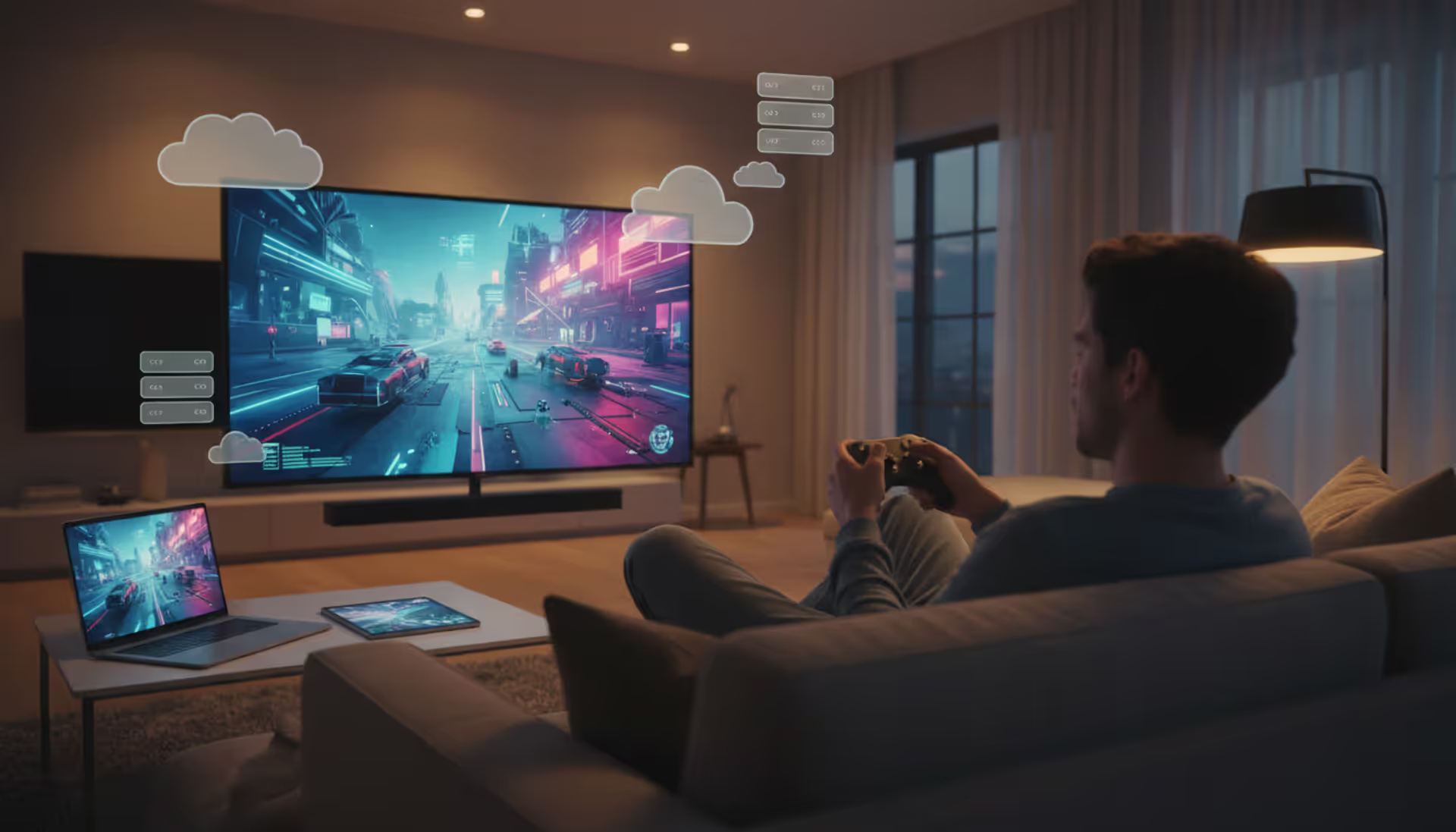
A person sitting on a couch playing a video game on a large TV screen with a wireless controller, with subtle cloud server icons floating in the background, modern living room with evening lighting
Cloud gaming has shifted from experimental technology to a practical option for millions of players. Instead of relying on expensive hardware sitting in your home, you stream games directly from remote servers—much like watching Netflix, but interactive. The promise is simple: play AAA titles on devices that couldn't normally run them. The reality involves trade-offs worth understanding before you commit.
This guide walks through what cloud gaming actually delivers in 2026, how the technology functions behind the scenes, what your internet connection needs to provide, and which platforms justify your attention.
What Is Cloud Gaming and How Does It Work
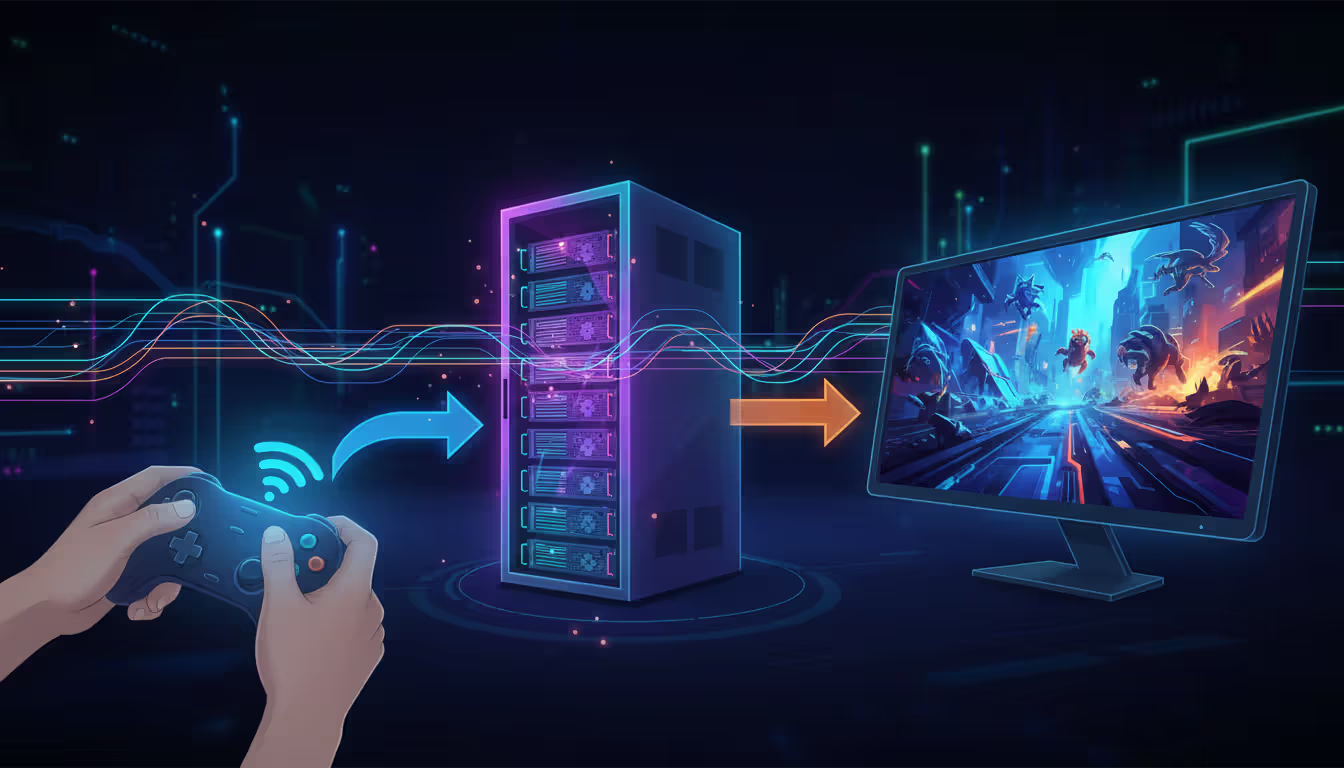
Cloud gaming separates the processing work from your device. When you launch a game, it runs on a server in a data center—sometimes hundreds of miles away. That server renders each frame, encodes it into a video stream, and sends it to your screen. Your controller inputs travel back to the server, where they affect the game state, creating a continuous loop.
The entire system depends on speed. Every button press makes a round trip: from your controller to the data center, through the game engine, back as video. If that loop takes too long, you notice the delay. When it works well, the experience feels nearly identical to local hardware.
The Technology Behind Cloud Game Streaming
Several layers make cloud game streaming possible. Video encoding compresses each frame into a manageable data stream—typically using H.264, H.265, or proprietary codecs optimized for low latency. These codecs balance visual quality against compression speed, since every millisecond spent encoding adds to your input lag.
Adaptive bitrate streaming adjusts quality in real-time. If your connection stutters, the stream drops resolution or frame rate temporarily rather than freezing entirely. Advanced implementations predict network congestion and pre-buffer critical frames, though this approach only works for predictable camera movements.
Input prediction helps mask latency. The client software anticipates your next action based on current movement patterns and renders speculative frames. When your actual input arrives at the server, the system corrects any mismatch. This works better in racing games with momentum-based movement than in fighting games requiring frame-perfect timing.
Author: Jordan Kessler;
Source: canelomobile.com
Server Infrastructure and Data Centers
Major cloud gaming providers operate data centers in strategic locations to minimize distance between players and servers. A player in Chicago might connect to a facility in Columbus, Ohio, while someone in Los Angeles routes to a Northern California center. Geographic distribution matters more than raw server power—a 5ms advantage in network distance often outweighs a 20% faster GPU.
Each server rack contains multiple virtual machine instances running different games simultaneously. When you launch a title, the system assigns you to an available instance, loads your game state from cloud storage, and establishes the video stream. High-end services dedicate full GPU resources to each session; budget options share GPU time between multiple users, which can cause performance hiccups during peak hours.
Redundancy systems handle failures. If your assigned server crashes, the service migrates your session to another instance within seconds, usually with only a brief reconnection screen. Your save data lives in distributed storage replicated across multiple facilities, so hardware failures don't erase progress.
Internet Requirements for Cloud Gaming
Your connection needs three things: sufficient bandwidth, low latency, and stable performance. Most services list minimum speeds around 10-15 Mbps for 720p streaming and 25-35 Mbps for 1080p. For 4K streaming at 60fps, expect requirements near 50-80 Mbps depending on the platform's codec efficiency.
Those numbers represent ideal conditions. Real-world usage should target 50% higher bandwidth than the stated minimum. A service claiming "15 Mbps minimum" will deliver better results at 22-25 Mbps, leaving headroom for fluctuations and competing traffic on your network.
Upstream bandwidth rarely bottlenecks cloud gaming—controller inputs consume minimal data, typically under 100 Kbps. The exception is game streaming from your own PC to another device on a different network, which requires symmetric speeds.
Data caps present a practical concern. An hour of 1080p cloud gaming consumes roughly 6-10 GB depending on the game's visual complexity. Fast-paced shooters with constant motion use more data than turn-based strategy games. Players on capped plans should budget 50-80 GB monthly for 10-15 hours of gameplay, more for 4K streams.
Wired connections outperform Wi-Fi consistently. Ethernet eliminates wireless interference, reduces packet loss, and provides steadier latency. If you must use Wi-Fi, 5GHz networks handle gaming traffic better than 2.4GHz, and Wi-Fi 6 routers significantly improve stability compared to older standards.
Understanding Latency in Cloud Gaming
Latency measures the delay between your action and its visible result on screen. In local gaming, this might be 30-50ms total. Cloud gaming adds network transit time, server processing, and video encoding, pushing total latency to 60-150ms depending on your setup and location.
Human perception varies, but most players notice input lag above 80ms in fast-paced games. Fighting games and competitive shooters become frustrating around 100ms. Single-player RPGs and strategy games remain playable up to 120-150ms since they don't require split-second reactions.
Several factors compound latency. Physical distance to the data center adds roughly 1ms per 60-70 miles of fiber optic cable. Network congestion at your ISP or along the route introduces variable delays. Your display's processing time (often 10-30ms) stacks on top. Wireless controllers add another 4-8ms compared to wired options.
Minimizing latency requires attacking each component. Choose a cloud gaming service with data centers near your location. Enable "game mode" on your TV to reduce display processing. Use wired ethernet and wired controllers when possible. Close bandwidth-heavy applications running in the background. Some routers support QoS (Quality of Service) settings that prioritize gaming traffic over other devices.
Test your baseline latency before troubleshooting. Most cloud gaming apps include connection quality indicators showing current latency. If you consistently see 120ms+ to a nearby data center, the problem likely sits with your ISP's routing or local network issues rather than the service itself.
Cloud Gaming vs Local Gaming Performance
The comparison depends heavily on what hardware you're replacing. Cloud gaming on a basic laptop versus building a $1,500 gaming PC presents different trade-offs than cloud gaming versus a $400 console.
Factor
Cloud Gaming
Local Gaming
Initial Cost
$0-200 (controller, optional)
$400-2,000+ (console/PC)
Hardware Requirements
Any device with video decoding
Dedicated gaming hardware
Game Visual Quality
Up to 4K/60fps (connection-dependent)
Matches hardware capability
Input Lag
60-150ms typical
30-50ms typical
Portability
Play anywhere with internet
Limited to where hardware lives
Game Ownership
Subscription access only
Permanent licenses (physical/digital)
Upgrade Cycle
Automatic server upgrades
Manual hardware replacement every 4-7 years
Visual quality in cloud gaming has improved substantially. Services now stream at 1080p/60fps reliably on decent connections, with premium tiers offering 1440p or 4K. However, compression artifacts appear in visually complex scenes—particle effects, fog, and rapid camera pans show more blur and blocking than native rendering.
Responsiveness remains the clearest difference. Competitive multiplayer games favor local hardware. A skilled player with 50ms latency has a measurable advantage over someone at 100ms in shooters or fighting games. For single-player experiences, exploration games, and turn-based titles, the difference becomes negligible.
Frame pacing issues occasionally surface in cloud gaming when network jitter causes irregular frame delivery. Your connection might average 30ms latency but spike to 80ms periodically, creating stutters that feel worse than consistent 60ms latency. Local hardware delivers more predictable frame times.
We're seeing latency improvements of 40% compared to three years ago through adaptive bitrate streaming and edge computing. The gap between cloud and local gaming experience is narrowing faster than most analysts predicted, especially for single-player and turn-based games
— Phil Eisler
Top Cloud Gaming Platforms in 2026
The cloud gaming landscape consolidated over the past two years. Several platforms dominate, each with distinct approaches.
NVIDIA GeForce NOW remains the most flexible service, allowing you to play games you already own on Steam, Epic, and other stores. The free tier offers 1-hour sessions at 1080p with queues during peak times. Priority membership ($11/month) removes queues and extends sessions to 6 hours. Ultimate tier ($22/month) provides 4K/120fps streaming and RTX 4080-class hardware.
Xbox Cloud Gaming (included with Game Pass Ultimate at $20/month) offers 400+ games from the Game Pass library. The catalog includes day-one releases from Microsoft studios. Performance targets 1080p/60fps with plans to expand 4K support. Integration with Xbox consoles allows seamless switching between cloud and local play.
PlayStation Plus Premium ($18/month) provides cloud streaming for PS4 and PS5 titles, though the selection is smaller than Xbox's offering. Streaming quality reaches 1080p/60fps. The service works best for PlayStation users wanting to play PS5 games on PS4 hardware or mobile devices.
Amazon Luna charges $10/month for the Luna+ channel with 100+ games, plus additional channels for Ubisoft titles ($18/month) and other publishers. Performance matches competitors at 1080p/60fps with 4K support on select titles. The platform integrates with Amazon's ecosystem but lacks the game variety of larger competitors.
Boosteroid and Shadow serve niche audiences. Boosteroid ($10/month) offers a large library with bring-your-own-game support. Shadow ($30-45/month depending on tier) provides a full Windows PC in the cloud, giving complete control but at premium pricing.
Author: Jordan Kessler;
Source: canelomobile.com
Most platforms now offer free trials or limited free tiers. Test multiple services before committing, since performance varies by region and individual network configuration.
Advantages and Disadvantages of Cloud Gaming
Key Benefits
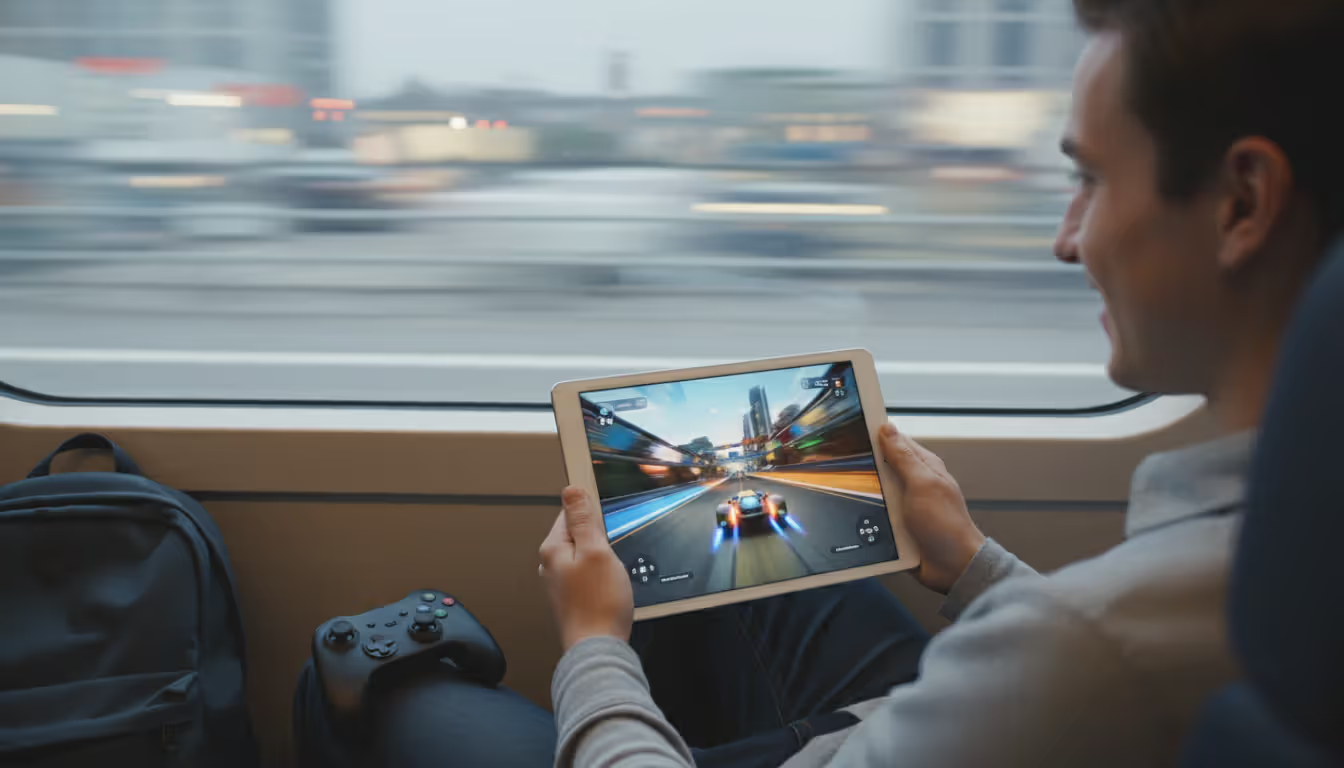
Hardware accessibility removes the biggest barrier to modern gaming. A seven-year-old laptop can stream the latest releases at high settings. Parents can let kids play on the family computer without worrying about hardware damage or expensive upgrades. Travelers play demanding games on hotel Wi-Fi using tablets.
Instant access eliminates downloads and installations. Click play, wait 10-30 seconds for the stream to initialize, and start gaming. No 100GB downloads, no shader compilation stutters, no driver updates. This convenience particularly benefits players with limited storage or slow download speeds.
Try-before-you-buy becomes practical. Many services let you test games for short sessions before purchasing. The friction of downloading a 50GB demo disappears—you can sample three different games in the time a single demo would have downloaded.
Automatic hardware upgrades happen invisibly. When NVIDIA upgrades GeForce NOW servers to newer GPUs, your performance improves without action on your part. Local gaming requires selling old hardware and buying new components every few years.
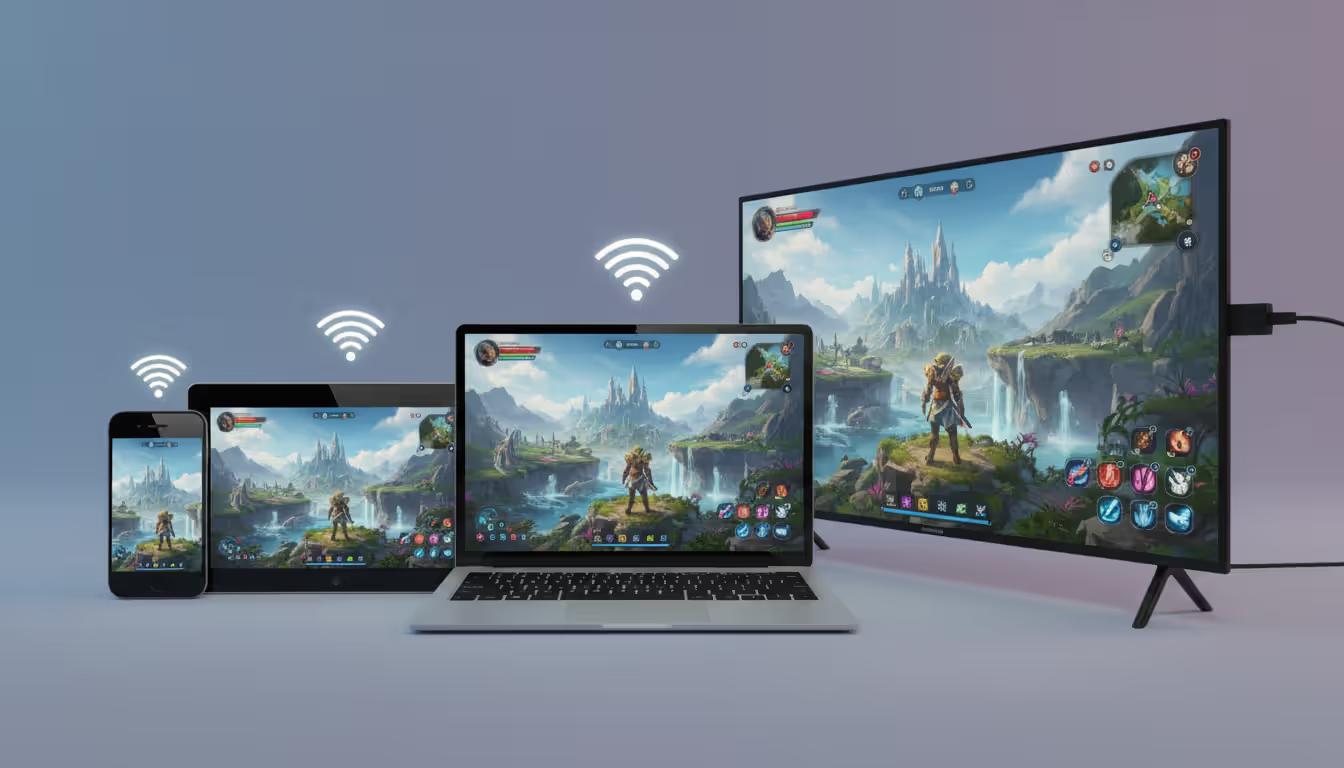
Cross-device continuity works seamlessly. Start a game on your PC during lunch, continue on your phone during your commute, finish on your TV at home. Progress syncs automatically through the cloud.
Author: Jordan Kessler;
Source: canelomobile.com
Current Limitations
Internet dependency makes cloud gaming unusable in many situations. No connection means no gaming—planes, rural areas, and internet outages completely block access. Even brief connection drops interrupt sessions, though most services reconnect quickly.
Subscription costs accumulate. A $15/month service costs $180 annually, $900 over five years. That approaches the cost of a mid-range gaming PC, though it avoids the upfront expense and includes automatic upgrades.
Game library restrictions vary by platform. Services that require publishers to opt-in often lack popular titles. GeForce NOW lost several major publishers in 2023-2024, though many have returned. You might own games on Steam that remain unplayable through cloud services due to licensing.
Latency sensitivity limits game genres. Competitive multiplayer, rhythm games, and fighting games suffer noticeably. Professional players and serious competitive gamers still need local hardware for optimal performance.
Visual compression artifacts bother some players. While imperceptible in many games, detail-oriented players notice softness and blocking in high-contrast scenes. Native rendering on local hardware always looks crisper.
Data privacy concerns exist. Your gameplay happens on someone else's hardware, potentially logged and analyzed. Most services include telemetry and analytics. Players uncomfortable with cloud data collection have limited alternatives.
Frequently Asked Questions About Cloud Gaming
Can I play cloud games without a gaming PC or console?
Yes, that's the primary advantage. You need any device capable of video decoding and internet connectivity—laptops, tablets, smartphones, smart TVs, or streaming sticks. A controller improves the experience for most games, but many titles support touch controls on mobile or mouse/keyboard on computers. The device itself does no game processing; it only displays the video stream and sends your inputs back to the server.
How much internet speed do I need for cloud gaming?
Minimum speeds start around 15 Mbps for 720p streaming, but 25-35 Mbps provides better 1080p quality with fewer artifacts. For 4K streaming, target 50-80 Mbps. More important than peak speed is consistency—a stable 25 Mbps connection outperforms an erratic 50 Mbps connection that frequently drops to 15 Mbps. Test your connection during the times you plan to play, since speeds often drop during evening peak hours when neighbors stream video.
Does cloud gaming work on mobile devices?
Most major platforms support iOS and Android through dedicated apps. Performance depends on your cellular or Wi-Fi connection. 5G cellular networks provide sufficient bandwidth in areas with good coverage, though data consumption drains monthly allowances quickly. Wi-Fi works better for extended sessions. Screen size and touch controls limit certain game genres on phones—strategy games and RPGs adapt well, while shooters feel awkward without a controller.
Why does my cloud game feel laggy?
Multiple factors cause perceived lag. Network latency from distance to the data center, Wi-Fi interference, ISP routing issues, or congestion all contribute. Your display's processing delay adds latency that players often attribute to the service. Test your connection quality through the platform's diagnostic tools. Try wired ethernet instead of Wi-Fi. Enable game mode on your TV. Close other applications using bandwidth. If latency persists above 100ms to a nearby data center, contact your ISP about routing problems.
Do I own the games I play through cloud gaming?
Ownership models vary. Subscription services like Xbox Cloud Gaming and PlayStation Plus provide access only while subscribed—cancel and you lose access. GeForce NOW and similar platforms let you play games you own on other stores, so you retain ownership even if you stop subscribing to the cloud service. Always check whether you're renting access or buying permanent licenses. Cloud gaming typically offers rental access to a library rather than permanent ownership of individual titles.
Can I play cloud games offline?
No. Cloud gaming requires continuous internet connectivity since the game runs on remote servers. Even single-player games need an active connection to receive the video stream and send your inputs. Some platforms like Xbox allow downloading certain games for offline play, but that's traditional local gaming, not cloud streaming. If you frequently lack internet access, cloud gaming won't meet your needs—consider a gaming laptop or console for offline capability.
Cloud gaming in 2026 delivers on its core promise: playing demanding games without expensive hardware. The technology has matured past early adoption struggles, offering reliable 1080p/60fps streaming for most users with decent internet connections. Services have expanded libraries, reduced latency, and improved visual quality to levels that satisfy many players.
The decision to use cloud gaming depends on your priorities. Players who value convenience, portability, and hardware flexibility find significant benefits. Those who prioritize absolute performance, competitive gaming, or offline access still need local hardware. Many gamers now use both—cloud gaming for casual sessions and travel, local hardware for serious play.
Before committing to a subscription, test free tiers or trials on your actual network during typical usage times. Connection quality varies dramatically by location and ISP. A service that works flawlessly for your friend across town might struggle on your network due to routing differences. The best cloud gaming platform is the one that performs well on your specific connection with the games you want to play.
The multiplayer gaming landscape continues to evolve at breakneck speed. With studios pushing boundaries in connectivity, cross-platform features, and innovative gameplay mechanics, the next wave of titles promises experiences that go far beyond what we've seen before
Total Battle combines city-building, real-time combat, and alliance warfare across multiple historical eras. This complete guide explains core systems, troop counters, resource management, hero progression, and proven strategies to help new players build competitive castles and thrive in alliance warfare
Strat roulette injects chaos into competitive gaming by forcing players to follow randomly generated strategies. Born from Counter-Strike, this concept has evolved into a global phenomenon with dedicated platforms, streaming categories, and legitimate training applications across multiple game genres
Shooter games span diverse subgenres from tactical simulations to fast-paced battle royales. This guide explains first-person vs third-person shooters, major game types, core mechanics, and how to choose games matching your skill level and preferences
The content on this website is provided for general informational and educational purposes only. It is intended to explain concepts related to video games, gaming guides, builds, mobile gaming, multiplayer strategies, and gaming history.
All information on this website, including articles, guides, and examples, is presented for general educational and entertainment purposes. Gameplay outcomes, strategies, and performance may vary depending on player skill, game updates, and platform.
This website does not provide professional advice or guarantee game outcomes, and the information presented should not be used as a substitute for official game documentation or developer guidance.
The website and its authors are not responsible for any errors or omissions, or for any outcomes resulting from decisions made based on the information provided on this website.