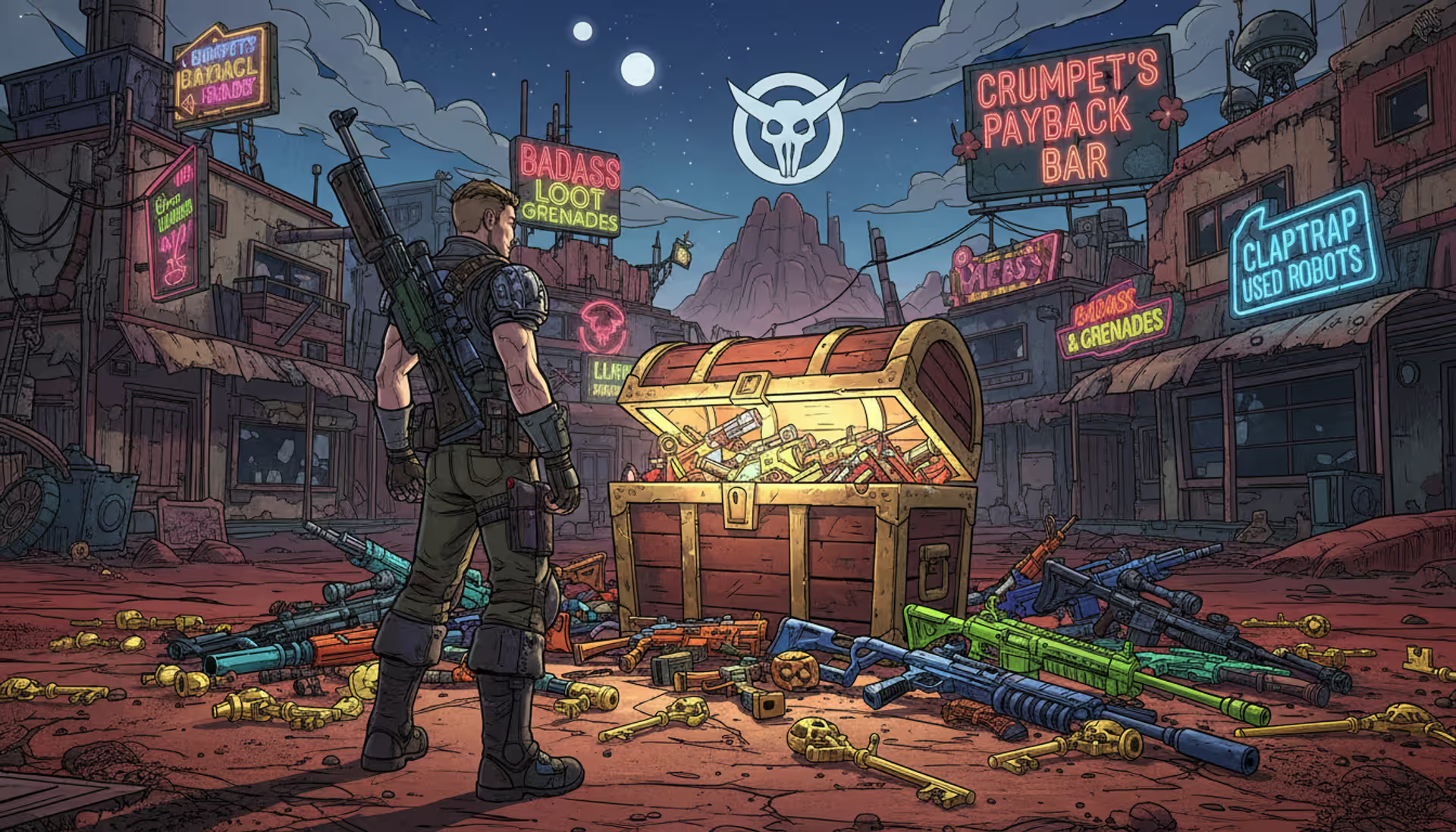
Borderlands-style vault hunter standing in front of a glowing loot chest surrounded by golden keys and colorful weapons in a cel-shaded post-apocalyptic landscape
If you've played any Borderlands game in the past decade, you've probably heard someone mention "Shift codes" for free loot. Here's what that's actually about: Gearbox built this reward system back in 2012 that hands out in-game goodies through codes they post online. No tricks, no microtransactions—just free stuff.
Think of it as Gearbox's way of saying thanks for playing. They drop these alphanumeric codes on Twitter, during livestreams, or when celebrating game milestones. You punch in the code, and boom—Golden Keys or cosmetics show up in your game. The whole thing works across PlayStation, Xbox, and PC, which is pretty convenient since most gaming reward systems lock you into one ecosystem.
What makes Shift different from your standard PlayStation or Xbox rewards? It runs completely separate from those platforms. You're creating a whole different account that talks to all your gaming profiles at once.
What Is Gearbox Shift and How Does It Work
You'll need to set up a free account at shift.gearboxsoftware.com first. The whole process? Maybe five minutes if you're slow. Enter your email, pick a password, click the confirmation link they send you. Standard internet stuff.
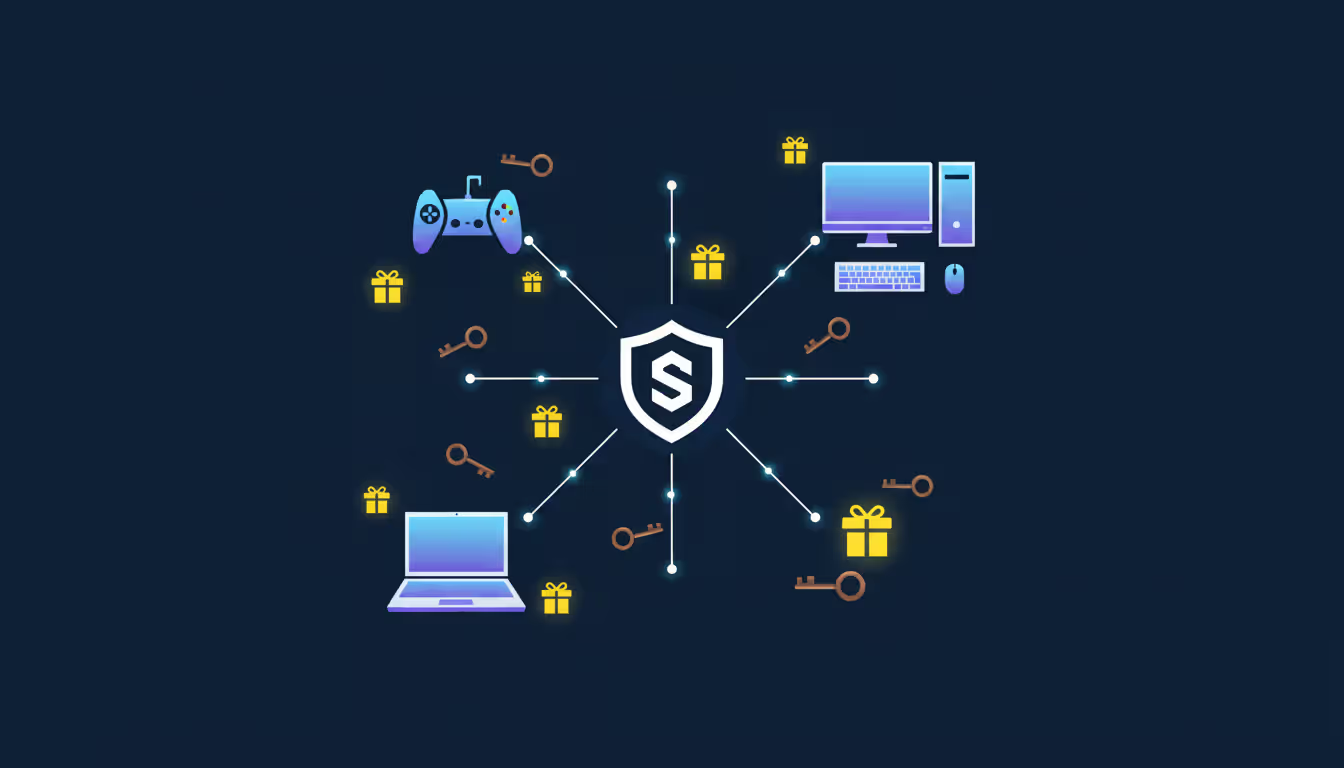
Here's where it gets useful—you link this Shift account to whatever platforms you game on. PlayStation, Xbox, Steam, Epic Games Store, doesn't matter. Once you've connected everything, any Borderlands game you launch automatically recognizes your Shift profile. No re-entering credentials every time.
The system does three main things. First, it accepts those redemption codes Gearbox releases. Second, it figures out which game and platform should get your rewards. Third, it keeps a running tally of what you've claimed and when. Pretty straightforward.
When you redeem a code (either on the website or inside the game menu), Shift checks if you've already used it, makes sure it hasn't expired, then drops the reward into your inventory. Each game has its own separate stash—your Borderlands 3 keys won't magically appear in Borderlands 2. Some codes work across multiple titles at once, but they'll specifically mention that in the announcement.
Platform linking takes different routes depending on where you play. Console players get redirected to Sony or Microsoft's authorization pages. PC folks go through Steam or Epic's login systems. Once you've done it the first time, you're set—no need to repeat the process unless you add a new platform later.
Shift exists to thank our players for their loyalty and engagement. We want everyone to experience the thrill of rare loot without requiring endless grinding or additional purchases. It's our way of keeping the community connected between major content drops
— Randy Pitchford
The account itself is permanent. Make it once, use it forever across every Borderlands game. New release coming out? Your existing Shift account works day one.
How to Redeem Shift Codes for Rewards
You've got two options here: punch codes into the website or do it directly in the game. Website redemption wins if you're claiming a bunch at once. In-game works better when you're already playing and just saw a fresh code on Twitter.
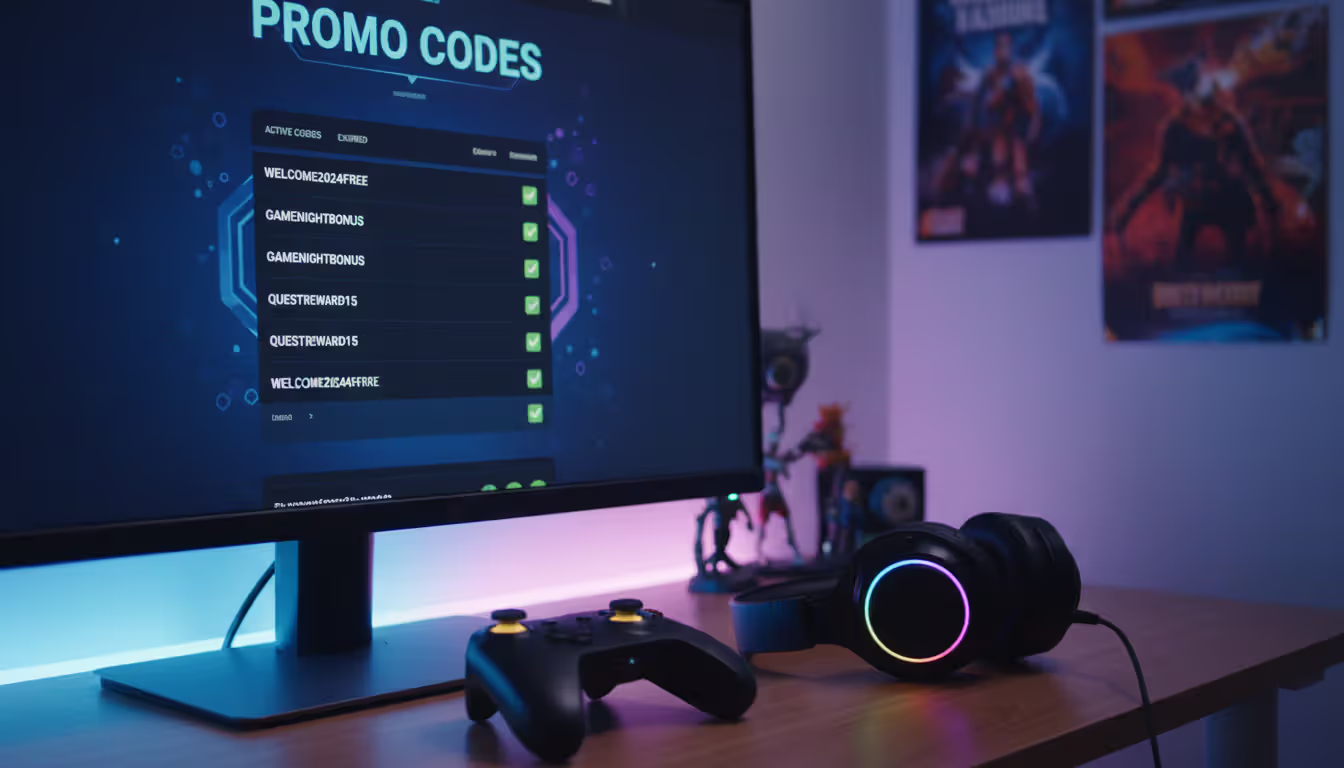
For the website method, log into your Shift account and find the "Shift Codes" section (they've moved it around over the years, but it's always in the main navigation). Type in the code exactly as published. Caps matter sometimes, though most codes use all capitals anyway. Hit redeem, wait a second, and you'll see either a green success message or a red error.
Success messages tell you what you got and which game received it. Failed attempts usually mean the code expired, you already used it, or there's a typo.
Inside Borderlands 3, you'll access the Social menu from the main screen, then click over to the Shift tab. "Redeem Code" sits right there. Type it in using your controller or keyboard. Takes maybe 30 seconds total. Borderlands 2 and The Pre-Sequel hide it in similar spots—Social menu, then Shift options.
Where to Find Active Shift Codes
Gearbox scatters these codes across multiple channels. You'll need to check a few places if you want to catch everything.
Twitter (or X, whatever we're calling it now) gets the most action. The @Borderlands account drops codes during updates, holidays, and random promotional events. These usually last 72 hours to a week. Sometimes they'll do 24-hour flash codes just to keep things interesting.
The official Gearbox Shift website homepage sometimes features rotating codes during big sales or anniversaries. These stick around longer—several weeks isn't unusual.
Community-run tracking sites do all the heavy lifting for you. Sites like Orcz and MentalMars compile every code from every source, add expiration countdowns, and let users comment on whether codes still work. Bookmark one or two of these and check them when you're about to play. Way easier than hunting across five different social media accounts.
Livestreams are where the exclusive stuff happens. When Gearbox developers go live, they'll often drop stream-only codes that die within hours. Miss the stream, miss the code. The trade-off is these usually give better rewards than regular codes.
Email newsletters used to include subscriber-exclusive codes, but that's slowed way down since 2024. Still worth keeping an eye on if you've signed up, but don't expect weekly drops anymore.
Author: Ethan Rowland;
Source: canelomobile.com
Common Redemption Errors and Fixes
"Code not found" usually means two things: typo or expired. Double-check that you're not mixing up O/0 or I/1. If the code matches perfectly and still fails, it's dead. Codes don't come back once they expire.
Getting "Already redeemed" just confirms you've used that specific code before. Each code works once per account, period. A few rare multi-game codes let you redeem for different titles, but that's the exception. Check your in-game mail or key inventory to confirm the original reward showed up.
"Region locked" pops up when promotional partners restrict codes to certain countries. A European retail promotion might generate codes that only work in the EU. Don't bother with VPNs—that breaks Gearbox's Terms of Service and could get your account suspended. Not worth it for a few Golden Keys.
Platform mismatches happen occasionally. Most codes work everywhere, but partnership deals sometimes limit redemption to specific consoles or PC. The code announcement almost always mentions platform restrictions upfront.
Server timeouts during high-traffic periods are temporary headaches. New game launch? Major DLC drop? Everyone hits the redemption servers at once. Wait 20-30 minutes and try again. The good news: if you got a timeout error, the code didn't get consumed. You can retry without losing your chance.
Golden Keys and Other Shift Rewards Explained
Golden Keys unlock these special purple chests scattered throughout each Borderlands game. Borderlands 2 keeps the chest in Sanctuary, Borderlands 3 sticks it on Sanctuary III, Tiny Tina's Wonderlands plants it in Brighthoof. Same concept across all games—one key, one chest opening.
The chest spits out gear that matches your current level. Use a key at level 15, get level 15 weapons. Save it until level 50, get level 50 gear. This scaling makes keys valuable throughout your entire playthrough instead of just endgame.
You're guaranteed at least purple rarity drops. Legendary items show up sometimes—community testing suggests around 5-8% chance per opening in Borderlands 3—but purples are the baseline. It's a reliable way to gear up new characters or test weapon types without farming the same boss 47 times.
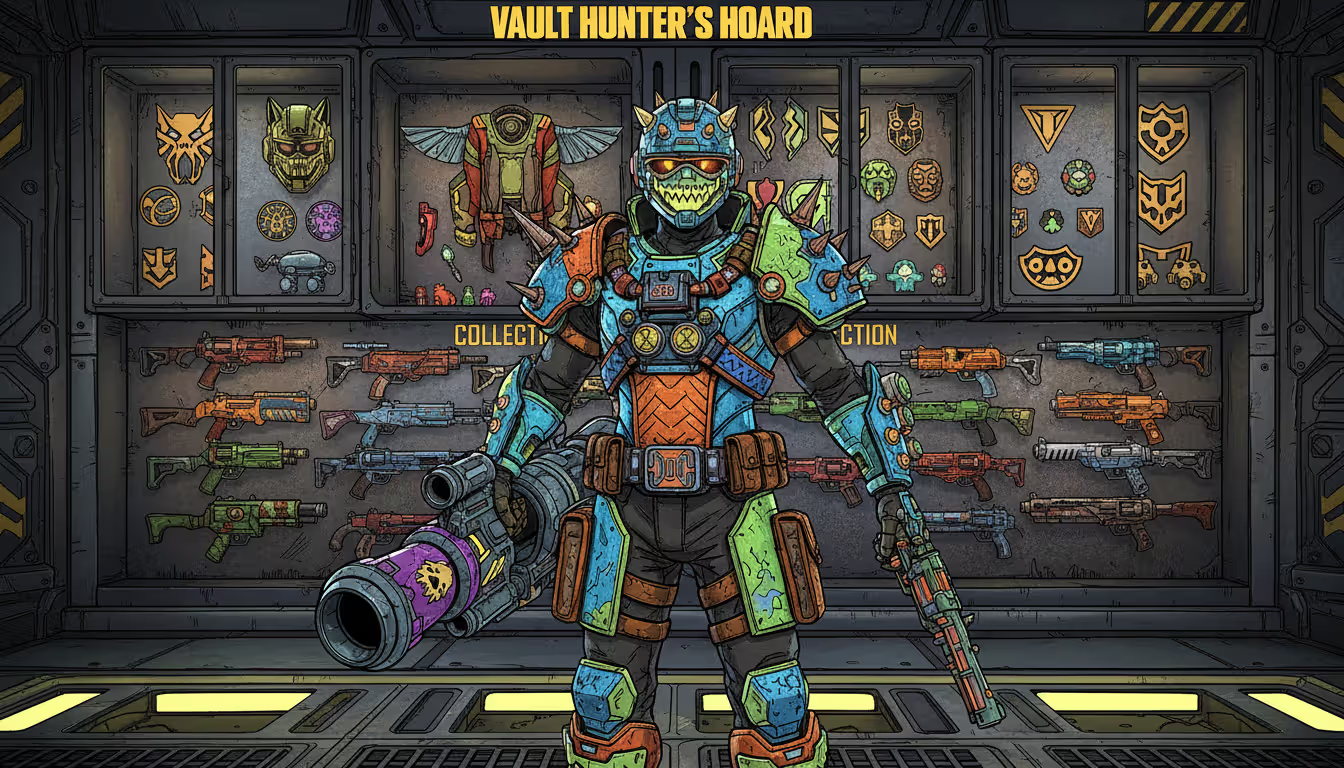
Beyond keys, Shift codes hand out cosmetics. Character skins, weapon trinkets, vehicle paint jobs, emotes—all permanent unlocks that work across every character in that game. Occasionally you'll see codes for in-game currency like Eridium or those Diamond Keys that guarantee legendary drops.
Golden Keys hit different depending on when you use them. Early game? They're massive power spikes when you're stuck with green gear. Mid-game? Perfect for filling equipment gaps when your shield is 10 levels behind everything else. Endgame? Less critical once you've got dedicated legendary farming routes, but still handy for testing builds or gearing alts quickly.
Diamond Keys and Skeleton Keys are the premium tier. Guaranteed legendaries every time. Gearbox releases these sparingly—maybe 3-5 Diamond Key codes per year compared to dozens of Golden Key drops. They save these for special events or major content releases.
Gearbox Shift VIP Program Overview
The VIP program ran from 2019 through late 2023 as this separate points system alongside regular Shift codes. You'd earn points by watching promo videos, following social accounts, entering special VIP codes. Rack up enough points, spend them in the VIP store for exclusive cosmetics or early access weapons.
It created this whole daily engagement loop. Points never expired, the store rotated inventory every few months with limited-time items. Top-tier rewards like early legendary weapon access cost 4,000-8,000 points—we're talking weeks of daily check-ins.
December 2023, Gearbox shut it down. Maintenance costs and "shifting priorities" were the official reasons. They gave players three months' warning to spend remaining points before pulling the plug completely. Everything you'd already unlocked stayed in your inventory, but the earning and redemption system went dark.
The VIP shutdown followed industry trends. Separate loyalty platforms cost money to maintain. Borderlands 3's seasonal challenges and Tiny Tina's Wonderlands' Chaos Chamber progression basically absorbed what VIP used to do, delivering rewards through actual gameplay instead of external website clicking.
Nothing's replaced VIP as of 2026. Shift still handles code redemption, but that points-based progression and exclusive store? Gone. Gearbox occasionally hints at "potential future loyalty features" in community updates, but nothing concrete's been announced.
Author: Ethan Rowland;
Source: canelomobile.com
Maximizing Your Shift Rewards Across Borderlands Games
Smart code redemption starts with understanding expiration patterns. Most codes die within a week of release. Anniversary and holiday codes sometimes last 30 days or more. Redeem promptly to avoid missing out, but you don't need to launch the game immediately—rewards sit in your account until you're ready to claim them in-game.
Check for new codes twice a week minimum if you're actively playing. Tuesday through Thursday sees the heaviest code drops, matching up with weekly content updates and community livestreams. Weekend codes show up less often but usually have longer expiration windows.
New Borderlands launches or major DLC releases? Expect code overload. Gearbox typically floods the first month with daily or near-daily codes, then scales back to weekly once launch hype settles.
Multi-game codes give you the best bang for your buck. One code might grant five Golden Keys each to Borderlands 2, Borderlands 3, and Tiny Tina's Wonderlands—that's 15 keys from a single redemption. Always check the announcement for game compatibility before assuming it's single-title only.
Community tracking sites save ridiculous amounts of time compared to manually checking Twitter, Reddit, Discord, and the official site separately. Bookmark two or three reliable aggregators and visit during your normal gaming sessions. User comments on these sites confirm whether codes still work and report expirations in real-time.
Timing matters more than hoarding. Use keys when you actually need gear, not just to watch numbers go up. A character running optimized legendary builds doesn't benefit much from more purple drops. Spread usage across multiple characters or save them for testing new builds that need different weapon types.
Playing on multiple platforms? Link everything to one Shift profile. Consolidates all rewards across PlayStation, Xbox, and PC. You can't move keys between platforms after receiving them, but multi-platform codes deliver to all linked systems when redeemed once.
Author: Ethan Rowland;
Source: canelomobile.com
Frequently Asked Questions About Gearbox Shift
Do Shift codes expire?
Yeah, most of them expire within a week of going live. The exact duration changes based on the promotion. Anniversary codes or special event codes might stick around for 30 days, sometimes longer. Once you've redeemed a code though, those rewards never expire—they'll sit in your account until you claim them in-game. Just can't use expired codes. They're done.
Can I use the same Shift code on multiple platforms?
Each code works once per account, not once per platform. Own Borderlands 3 on both PlayStation and PC linked to the same Shift account? Redeeming a code delivers rewards to both simultaneously. You don't get to redeem twice for double rewards. Technically you could make separate Shift accounts for different platforms, but that violates Terms of Service and isn't worth the risk.
Are Golden Keys shared across all Borderlands games?
Nope. Each game maintains separate key inventories. Keys claimed for Borderlands 3 don't show up in Borderlands 2 or Tiny Tina's Wonderlands. Some codes grant keys to multiple games at once—one code giving five keys each to three titles—but those keys still stay locked to their respective games. No transferring between titles.
What happened to the Gearbox Shift VIP program?
Gearbox killed it in December 2023 after a four-year run. The points system let players earn rewards outside the games, but between maintenance costs and changing engagement strategies, they decided to shut it down. Players got three months to spend accumulated points before everything went dark permanently. Previously unlocked VIP rewards stayed in player accounts. No replacement announced as of 2026.
How often does Gearbox release new Shift codes?
Depends entirely on what's happening with the games. During active content periods, expect one to three codes weekly. Quiet periods between updates might see codes only once or twice a month. Holidays, anniversaries, and promotional partnerships trigger code spam. Following the official Borderlands social accounts gives you the most reliable heads-up for new drops.
Can I redeem Shift codes without launching the game?
Absolutely. The Shift website lets you redeem through your browser while logged in. Rewards hit your account immediately and appear in-game next time you launch. This method crushes when you're claiming multiple codes and works from any device with internet access. In-game redemption still exists for players who prefer that or don't have computer access handy.
Gearbox Shift turns promotional codes into actual gameplay benefits across every Borderlands game. Understanding account linking, redemption methods, and reward types helps you maximize free content without spending a dime. Golden Keys consistently upgrade your gear throughout playthroughs, cosmetics personalize your characters and equipment.
Check for codes twice weekly—even that minimal effort captures most rewards before expiration. Community tracking resources eliminate monitoring multiple official channels individually, consolidating everything into single reference points. Use keys strategically when you need gear upgrades rather than hoarding indefinitely for better value.
VIP program closure simplified Shift by removing the separate points system, though certain exclusive rewards disappeared with it. Current Shift functionality focuses purely on code redemption rather than ongoing progression, making it lower maintenance for casual engagement.
Whether you're starting your first Borderlands playthrough or managing multiple max-level characters, Shift codes provide reliable access to quality loot and customization. The system rewards community engagement without demanding daily participation, balancing accessibility with exclusive content for active players.
The multiplayer gaming landscape continues to evolve at breakneck speed. With studios pushing boundaries in connectivity, cross-platform features, and innovative gameplay mechanics, the next wave of titles promises experiences that go far beyond what we've seen before
Total Battle combines city-building, real-time combat, and alliance warfare across multiple historical eras. This complete guide explains core systems, troop counters, resource management, hero progression, and proven strategies to help new players build competitive castles and thrive in alliance warfare
Strat roulette injects chaos into competitive gaming by forcing players to follow randomly generated strategies. Born from Counter-Strike, this concept has evolved into a global phenomenon with dedicated platforms, streaming categories, and legitimate training applications across multiple game genres
Shooter games span diverse subgenres from tactical simulations to fast-paced battle royales. This guide explains first-person vs third-person shooters, major game types, core mechanics, and how to choose games matching your skill level and preferences
The content on this website is provided for general informational and educational purposes only. It is intended to explain concepts related to video games, gaming guides, builds, mobile gaming, multiplayer strategies, and gaming history.
All information on this website, including articles, guides, and examples, is presented for general educational and entertainment purposes. Gameplay outcomes, strategies, and performance may vary depending on player skill, game updates, and platform.
This website does not provide professional advice or guarantee game outcomes, and the information presented should not be used as a substitute for official game documentation or developer guidance.
The website and its authors are not responsible for any errors or omissions, or for any outcomes resulting from decisions made based on the information provided on this website.